Step 1
Upload Your Song
Click the upload button and select your audio file. AIMagicmus supports MP3, WAV, FLAC, AAC, OGG, and more. Maximum file size is 100MB.
Instantly separate vocals and instrumentals from any song using AI. Upload your track, and AIMagicmus will do the rest - fast, high-quality, and free to try every day.
How It Works
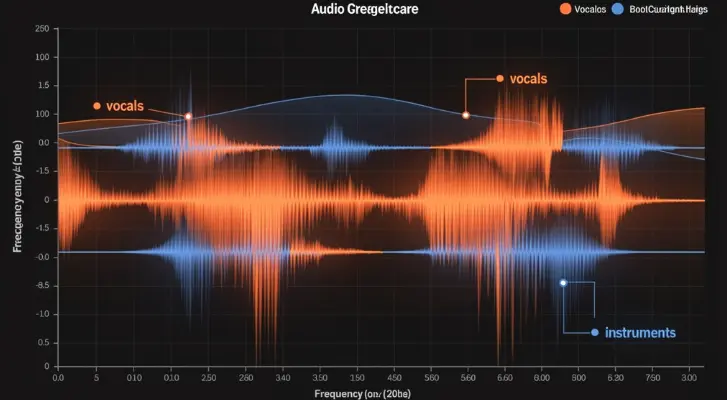
An AI vocal remover uses deep learning to separate vocals from instrumentals in a song. Traditional methods relied on phase cancellation - inverting one stereo channel to cancel center-panned vocals. The result was often hollow and low-quality, and it failed entirely with mono recordings.
AIMagicmus takes a different approach. Our vocal remover is powered by open-source deep learning models trained on massive music datasets. The AI analyzes your song's full audio spectrogram, identifies which time-frequency components belong to the human voice and which belong to instruments, then reconstructs two clean, separate tracks: one vocal, one instrumental.
Because we use well-established open-source models, our technology is transparent, legally compliant, and continuously improved by the global AI research community. The result is dramatically better than traditional methods - the instrumental retains its full richness, and the extracted vocals sound clean and natural.
How To
Removing vocals from any song takes three steps. No software to download - everything runs in your browser.
Step 1
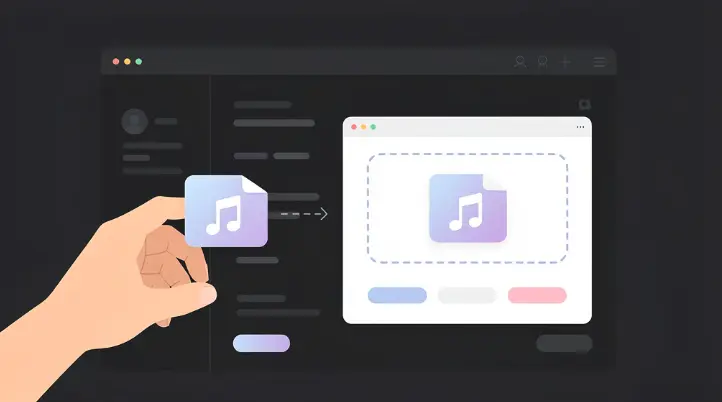
Click the upload button and select your audio file. AIMagicmus supports MP3, WAV, FLAC, AAC, OGG, and more. Maximum file size is 100MB.
Step 2
AIMagicmus's AI engine will automatically analyze your audio and separate the vocals from the instrumental. Most songs are processed in under a minute.
Step 3
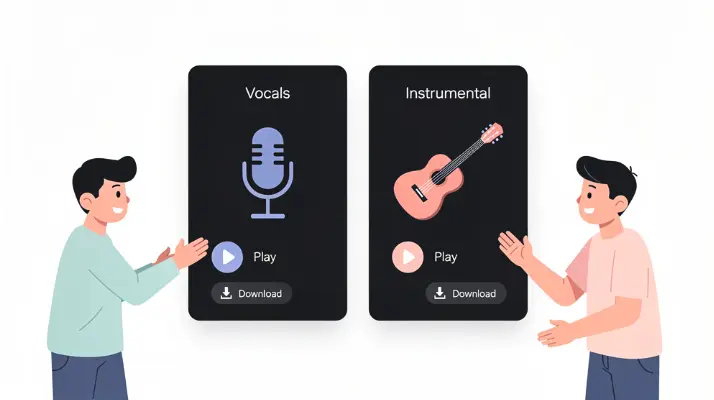
When processing is complete, you'll get two files: the isolated vocal track and the clean instrumental track. Preview both before downloading.

Use Cases
Remove the vocals from any song and get a clean instrumental ready for karaoke. No need to search for karaoke versions online - AIMagicmus turns any track into a karaoke version in seconds.
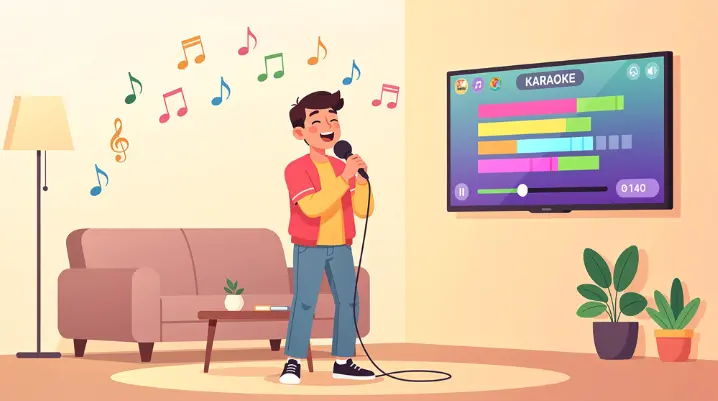
Need a clean instrumental to sing over? AIMagicmus separates the vocals from the music so you can record your own version. Once you have your cover, try AIMagicmus's AI Song Cover tool to take it further.
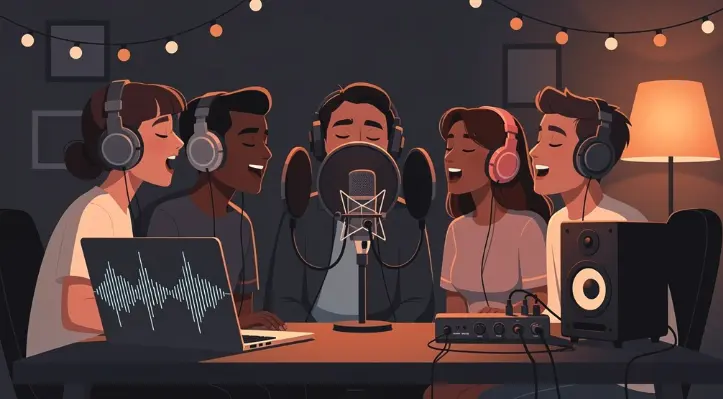
Producers and DJs can extract isolated acapella vocals from any track for remixes, mashups, or sampling - no professional software needed.
Remove vocals and practice playing along with just the instrumental. Great for guitar, piano, bass, or drums practice with real recordings.
Separate voice from background music in audio clips for video editing or podcast production. Keep the voice, remove the music, or vice versa.
Why AIMagicmus
AIMagicmus uses deep learning models that preserve full audio detail. The instrumental stays rich and full-width, the vocals come out clean. You'll hear the difference compared to older tools immediately.
Every user gets free credits refreshed daily. No hidden fees. If you need more processing capacity, affordable plans are available.
Everything runs in your browser. No software to install. Works on desktop, laptop, and mobile.
All uploads and downloads are encrypted end-to-end. Your files are never shared with third parties.
FAQ
Yes. AIMagicmus offers free daily credits that refresh every day, so you can use the vocal remover for free on an ongoing basis. Paid plans are available if you need higher volume.
Yes, a free AIMagicmus account is required. Registration is quick and allows us to provide you with daily credits and track your processed files.
MP3, WAV, FLAC, AAC, OGG, and other common formats. Maximum file size is 100MB.
Most songs (3-5 minutes long) are processed in under a minute.
Not directly. You'll need to extract the audio from the video as an MP3 or WAV file first, then upload it to AIMagicmus.
Currently AIMagicmus performs two-stem separation (vocals + instrumental). Multi-stem separation may be available in the future.
In most cases the output sounds clean with minimal artifacts. Complex passages where vocals and instruments overlap heavily may show slight artifacts, but quality is significantly better than traditional methods.
AIMagicmus provides the separation technology. Copyright of the original song belongs to its rights holder. You are responsible for ensuring you have the necessary rights for commercial use. Our AI models are open-source based and introduce no additional copyright concerns.
Yes. All transfers are encrypted. Files are processed securely and never shared with third parties.
Use an AI-powered tool like AIMagicmus rather than phase-cancellation methods. For best results, upload the highest quality file you have - WAV or FLAC will produce better output than low-bitrate MP3.
Related Tools
Record your voice over the instrumental and create an AI-powered song cover in minutes.
Create entirely new music from scratch. Describe the style and mood, and AI composes an original track.
Turn your lyrics into a fully produced song with AI.
Discover everything AIMagicmus has to offer for AI music creation.
Ready To Start
Upload a song, let AI separate the vocal and instrumental, and use the output for karaoke, covers, remixes, or practice.